Snow Layers in Unity Shader Graph and URP
Snow only falls and stays on the upper surfaces of objects, so we can run the dot product with the up-vector to find which surfaces should have snow applied.
Snow only falls and stays on the upper surfaces of objects, so we can run the dot product with the up-vector to find which surfaces should have snow applied.
With alpha clipping and raycasts, we can find out which walls obscure a specific object and cut out holes to keep the object visible.
Shader Graph is Unity's node-based shader creation tool, and this article will show you the basic inputs, outputs, and operations you can use.
Retro consoles could display a limited number of colors, and we can emulate them by posterizing the color output by our shader.
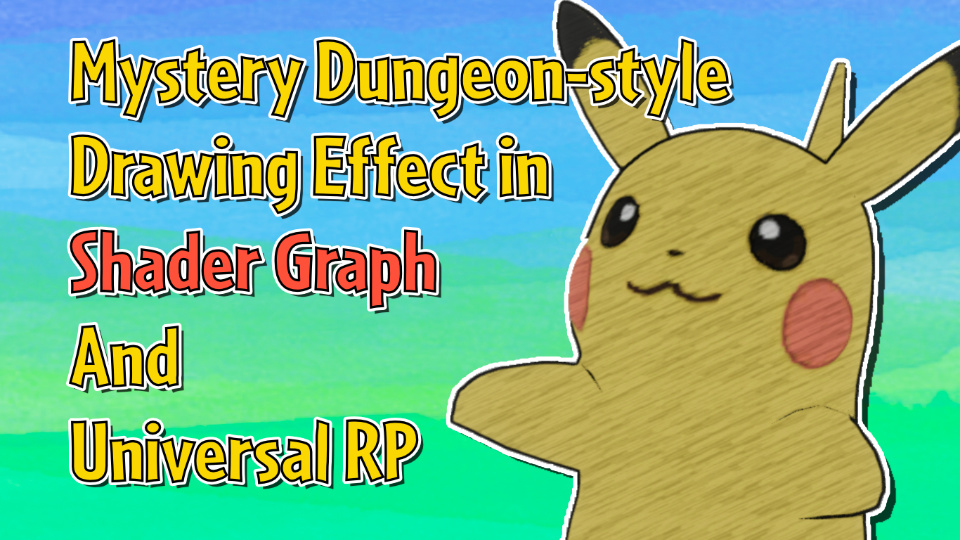
For a hand-drawn sketched loop, we can apply a special overlay texture in screen space which animates with a modulo clock.
It's always possible to iterate on an effect, so we'll add features like grainy and wobbly imperfections to this hologram.
Holograms are a staple feature of futuristic sci-fi games, and it's as simple as applying scanlines vertically and adding Fresnel lighting.
By combining Shader Graph and VFX Graph, we can create a reactive puddle effect which draws ripples together with raindrop particles.
We can draw outline pixels around a sprite based on whether nearby pixels are opaque or transparent, as long as the sprite has some transparent padding.
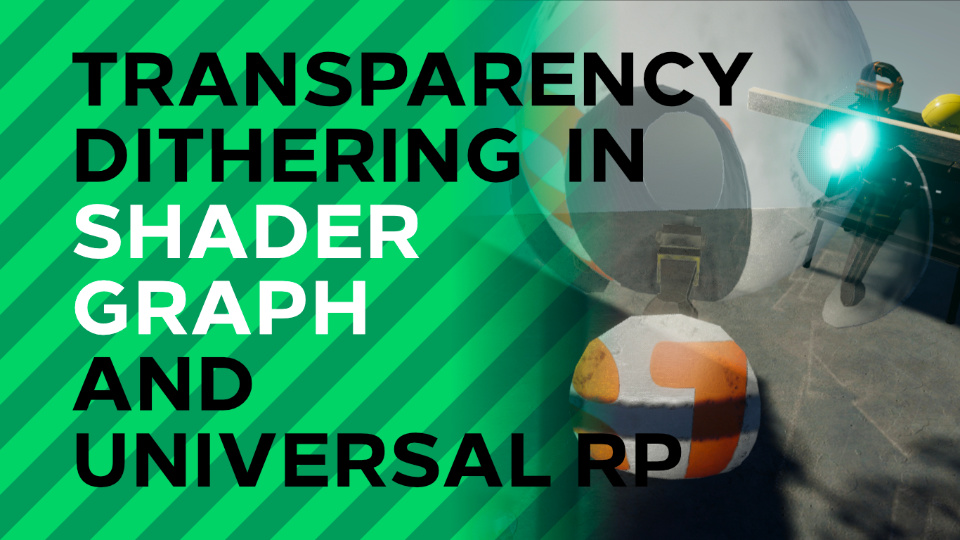
Alpha clipping along a dither pattern can approximate real transparency if viewed on a high-resolution screen, despite using opaque pixels.
Dissolve is often used for destroying objects in games, or in reverse when spawning them in. Shader Graph makes it simple to make effects like these!
Surfing the seas in Zelda Wind Waker is so iconic because of the stylized water effect, which we can recreate with a Voronoi-style noise texture.
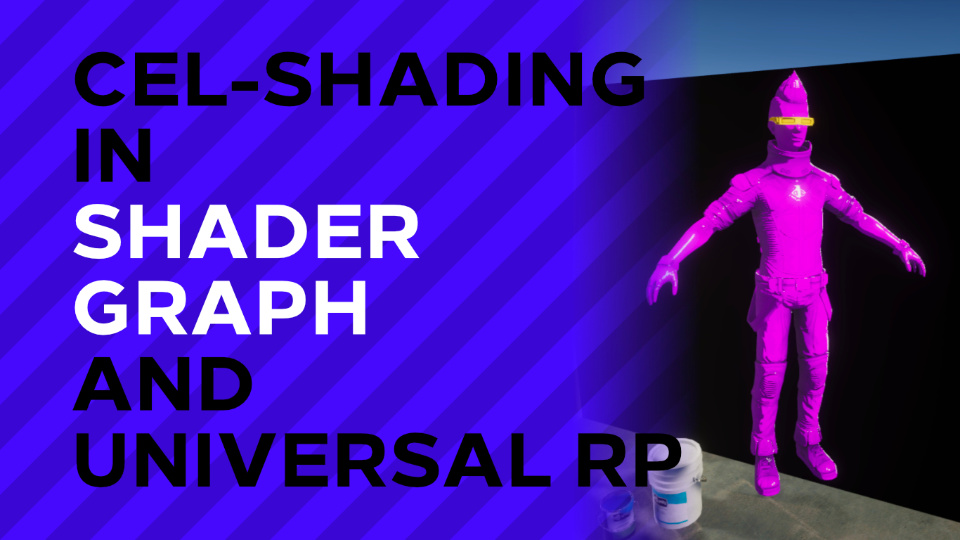
With a bit of added custom HLSL code, we can use Shader Graph to create a cel-shaded lighting effect.