The Underwater effect creates waves that distort the image and adds a colored water fog.
This effect works best when the far clipping plane of the camera is set to a smaller value, such that the entire scene just about fits within the camera.
This effect requires the Bump Map to be set in order to work properly. An example is provided at Resources/Textures/UnderwaterNormals.png.
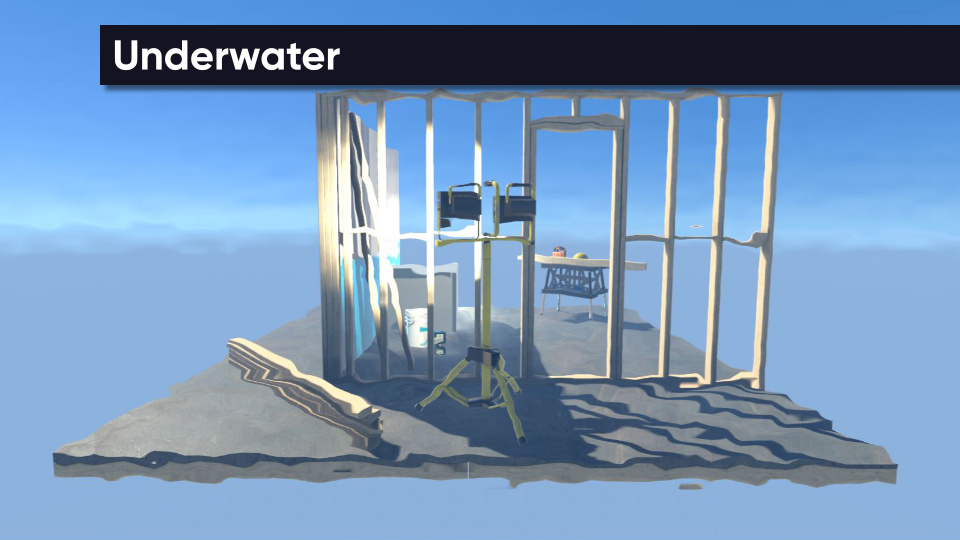
Parameters
- Bump Map - A texture to control the direction and amount of wave distortion.
- Strength - The strength of the wave distortion.
- Water Color - The water tint colour at the far clipping plane.
- Fog Strength - The strength of the water fog (and the distance that the fog first appears at).