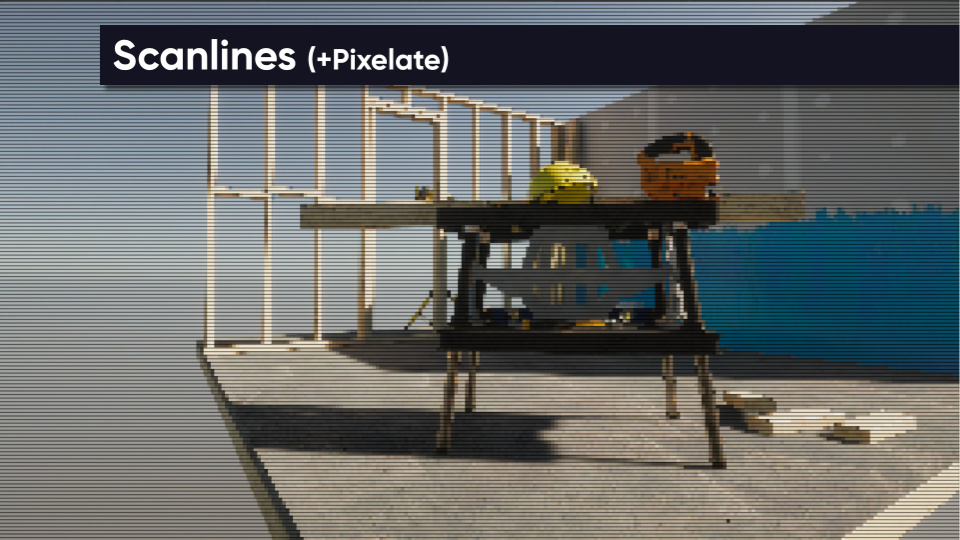
Renders horizontal scanlines across the screen based on the input texture.
This effect requires the Scanline Texture to be set in order to work properly. Examples are provided at Resources/Textures/ScanlineBasic.png and Resources/Textures/ScanlineColor.png.
Parameters
- Scanline Texture - The texture used to denote how scanlines appear. This is typically a very small texture which will be tiled across the screen many times.
- Strength - How noticeable the scanlines are.
- Size - How large the scanlines are.
- Scroll Speed - How quickly the scanlines move across the screen. Set to zero if you want the scanlines to stay stationary.