Offsets rows of pixels slightly to give the appearance of a technical glitch. Best used in combination with animations to control the offset strength.
Note: an external texture must be attached to the Offset Texture field for this effect to work properly. An example is provided at Resources/Textures/GlitchTex.
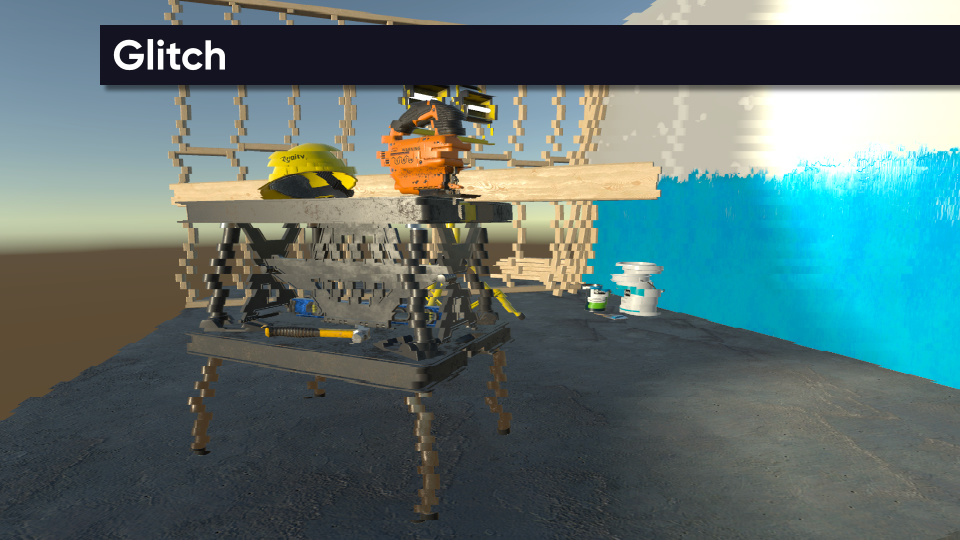
Parameters
- Offset Texture - A vertical strip texture which controls the strength of the offset for different rows of the image. Middle grey means no offset; white is full offset to the right; black is full offset to the left.
- Offset Strength - How far pixels are offset in UV space. A value of 1.0 moves a pixel from the left-hand-side of the image completely to the right-hand-side if the offset texture for that row of pixels is full-white.
- Vertical Tiling - How many times the offset texture is repeated vertically. In other words, controls the number of glitch rows.