The Dithering effect takes the luminance of each pixel and compares it to a texture containing thresholds to color pixels light or dark, resulting in a one-bit effect. This version is based only on the luminance of individual pixels.
This effect requires the Noise Texture to be set in order to work properly. Examples are provided at Resources/Textures/BlueNoise.png and Resources/Textures/BlueNoise.png.
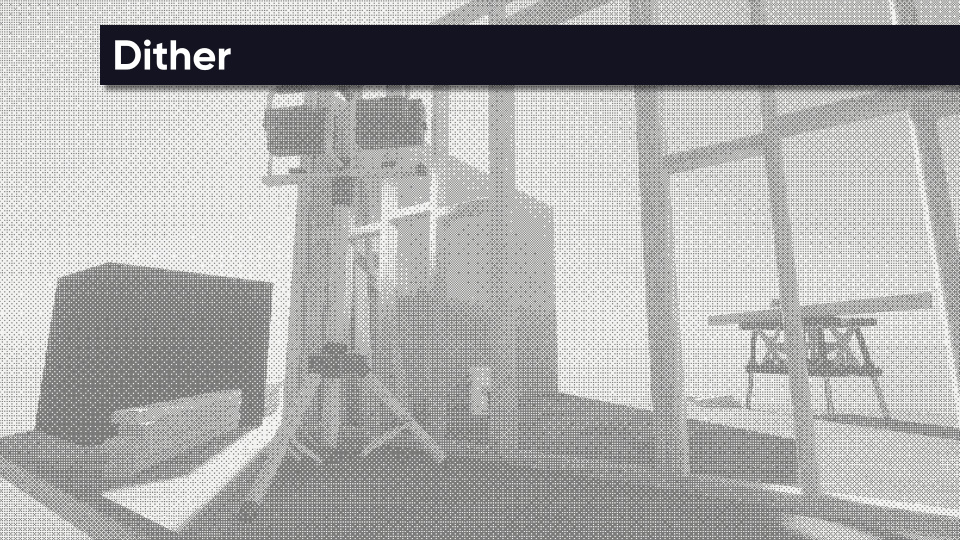
Parameters
- Enabled - Is the effect active?
- Noise Texture - The dithering pattern used for smooth shading emulation.
- Noise Size - The resolution of the noise texture (higher values mean lower on-screen resolution).
- Threshold Offset - The value to use as the comparison point between light and dark pixels. This is added to values from the Noise Texture.
- Dark Color - Color to use for pixels that fall beneath the dithering threshold.
- Light Color - Color to use for pixels that go above the dithering threshold.
- Use Scene Color - If this is ticked, the Light Color is ignored and the original scene colors are used for parts outside the halftone dots.