The Retro Skybox (Procedural) shader adds a color gradient sky and a cloud overlay to the scene. You’ll need to add a large sphere which encapsulates all the objects in the scene for this effect to work.
As of Version 1.5, the functionality of this shader was rolled into the Retro Skybox shader. This page exists for compatibility with previous versions of the asset pack.
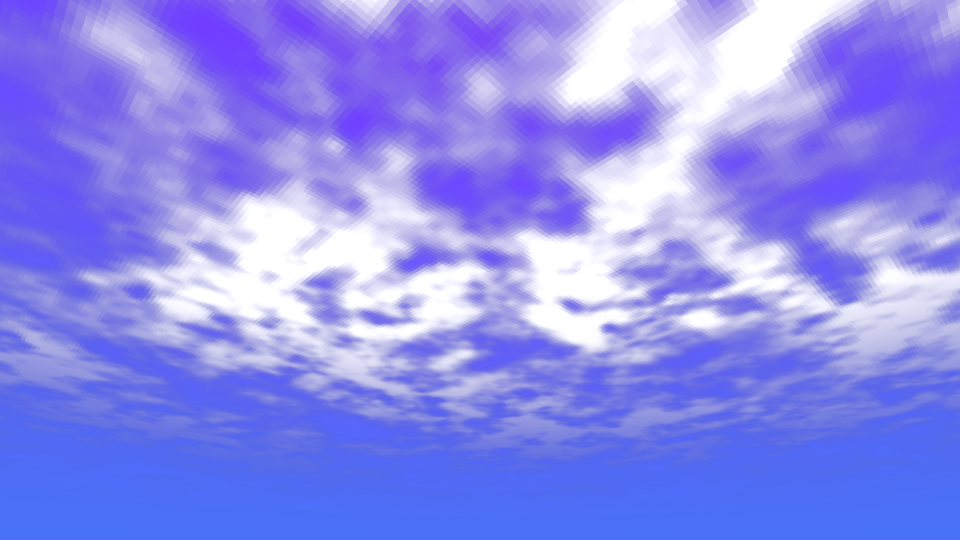
Parameters
Base Colors
- Ground Color - Skybox color close to the horizon.
- Sky Color - Skybox color at the very top of the sky.
- Color Mix Power - Lets you configure which of Ground Color or Sky Color are more strongly mixed in the sky gradient.
Clouds
- Cloud Height Threshold - Controls how far the clouds extend. The first value determines a cutoff point for 0% opacity, and the second value determines at what point the clouds use 100% opacity.
- Cloud Sizes - Values used for the noise generator while creating the cloud shapes.
- Cloud Visibility Threshold - Controls the amount of cloud that appears. The first value thresholds the generated noise values. The second value controls where the clouds reach 100% opacity.
- Cloud Color - Tint applied to the clouds.
- Cloud Velocity - How fast the clouds scroll across the sky.
PSX Settings
- Resolution Limit - Pixelates the noise texture used for generating the cloud patterns.