The Retro Decal shader can be applied to materials for use with the URP Decal projector. You can find this under Retro Shaders Pro/Graphs/Retro Decal in the Shader drop-down list.
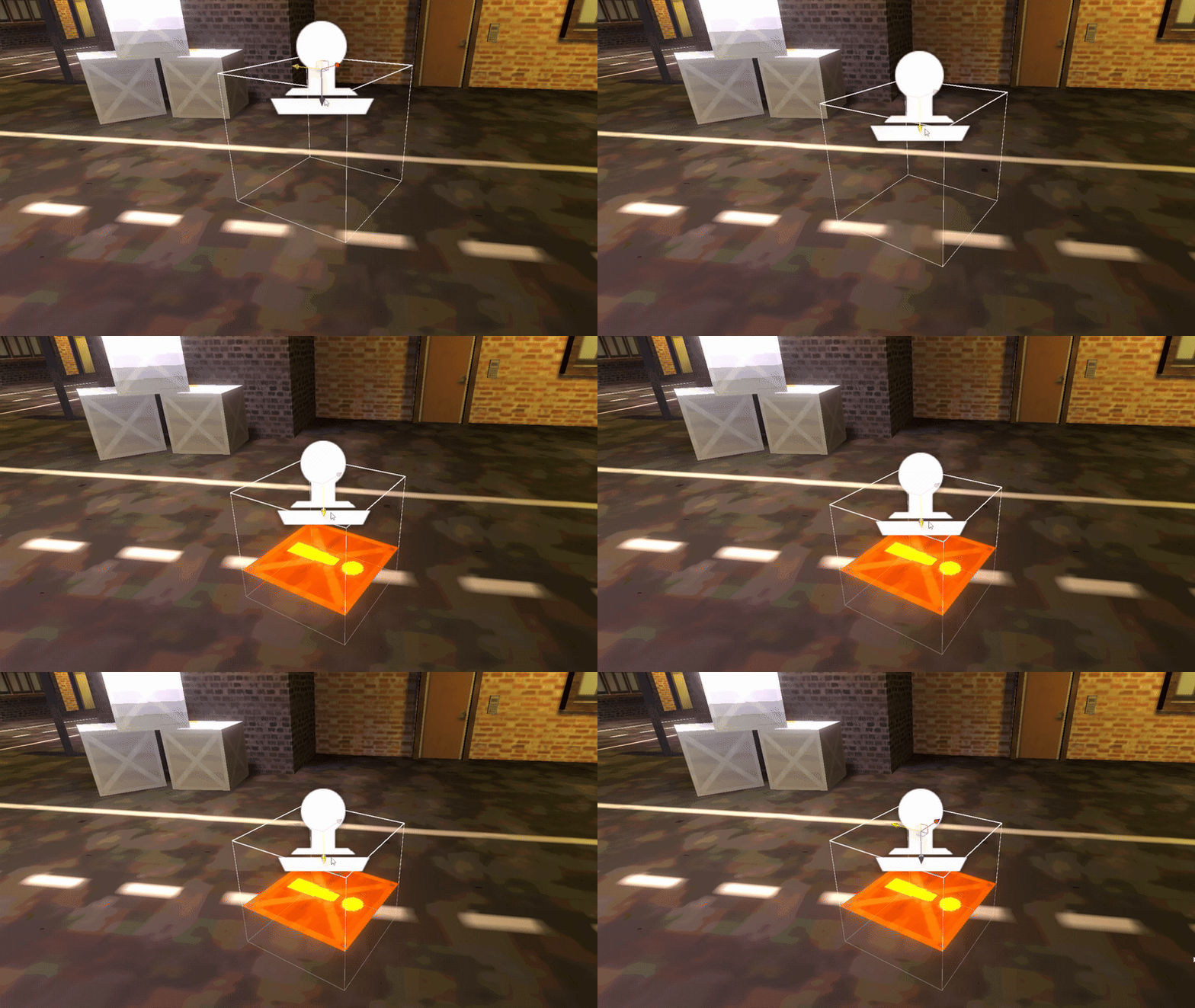
Parameters
- Base Color - The albedo color of the object.
- Base Texture - An albedo texture which can be used to apply more color detail than Base Color alone.
- Normal Map - An additional texture which can be used to modify the lighting applied to this decal.
- Normal Blend - Controls how strongly the decal normals are blended with the existing object normals.
- Resolution Limit - The new texture resolution. Note that this is rounded down to the next power of 2 (e.g. 196 would actually mean a texture resolution of 128).
- Color Bit Depth - How many possible color values can exist per channel. Typically, the maximum for a PNG image would be 256.
- Color Bit Depth Offset - Adds a small offset to prevent color darkening, which is common when reducing the color depth. The 0 to 1 range of this parameter represents an addition of 0 to 1/(color depth) to the output color.
- Enable Dithering - Toggle the dithering effect, which ‘blends’ between color values according to a Bayer matrix pattern when the Color Depth is reduced.