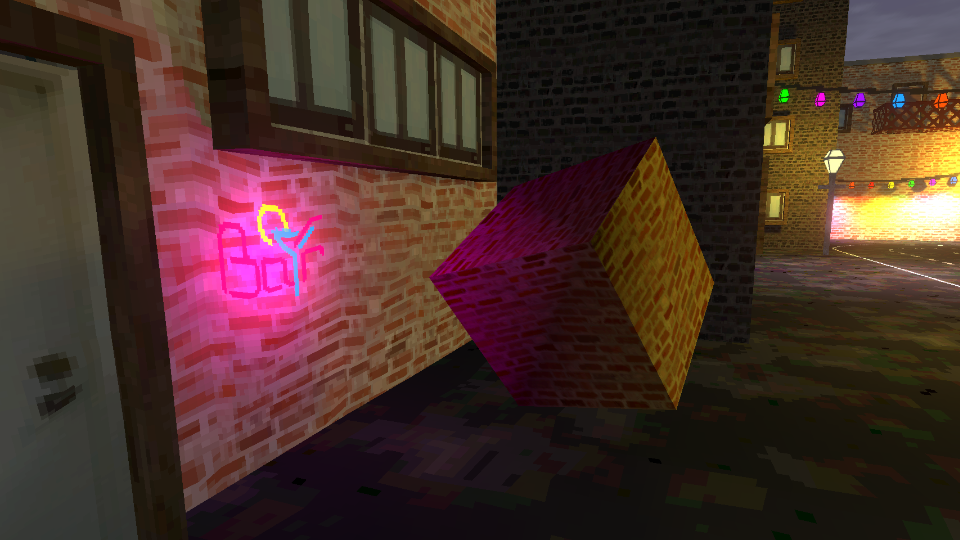
The Retro Vertex Lit shader is one of the core effects in this pack. It’s similar to Retro Lit, except all lighting is calculated per-vertex and interpolated between vertices when rendering pixels.
As of Version 1.5, the functionality of this shader was rolled into the Retro Lit shader. This page exists for compatibility with previous versions of the asset pack.
Parameters
- Base Color - The albedo color of the object.
- Base Texture - An albedo texture which can be used to apply more color detail than Base Color alone.
- Resolution Limit - The new texture resolution. Note that this is rounded down to the next power of 2 (e.g. 196 would actually mean a texture resolution of 128).
- Snaps Per Unit - The vertices of the mesh will snap to this number of snap points per meter along each axis (in view space, i.e., relative to the camera).
- Color Bit Depth - How many possible color values can exist per channel. Typically, the maximum for a PNG image would be 256.
- Color Bit Depth Offset - Adds a small offset to prevent color darkening, which is common when reducing the color depth. The 0 to 1 range of this parameter represents an addition of 0 to 1/(color depth) to the output color.
- Affine Texture Strength - How strongly the shader should apply affine texture warping effects. 0 means the shader uses perspective-correct mapping, and 1 means full affine texture mapping.
- Point Filtering - When enabled, the texture uses point filtering, which looks blockier than bilinear filtering.
- Enable Dithering - Toggle the dithering effect, which ‘blends’ between color values according to a Bayer matrix pattern when the Color Depth is reduced.
- Use Vertex Colors - Choose whether to multiply the Base Color using vertex colors.