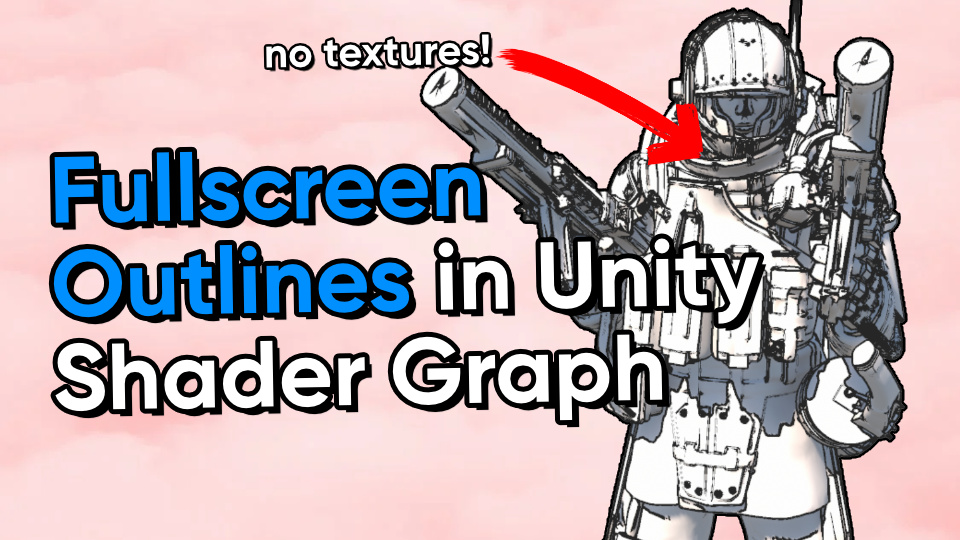
The Fullscreen graph type lets us read the screen contents and modify them as part of a post process effect. It's possible to make greyscale filters or outline effects.
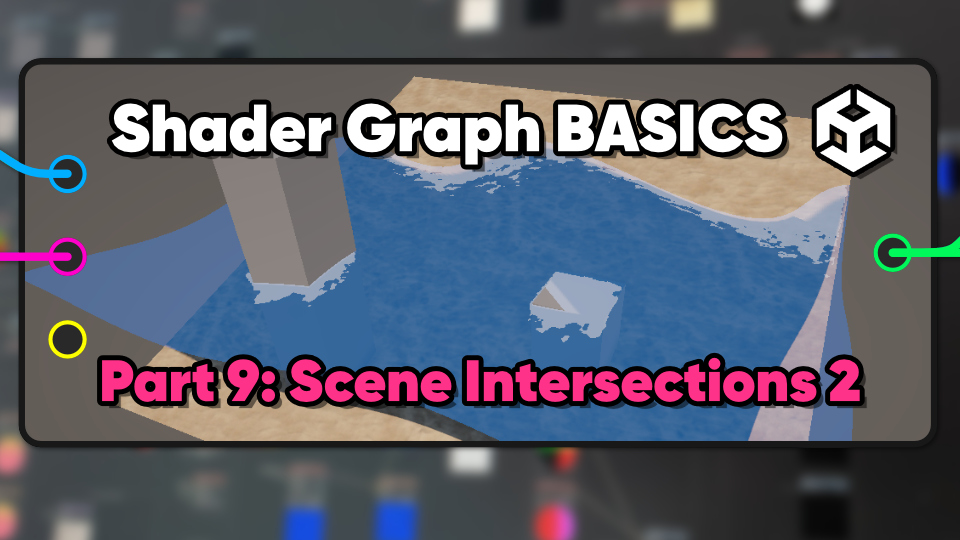
Scene intersections can be used to make foamy water along coastal edges and glowing edges on objects which pass through other objects.
Godot is the hottest scrappy little game engine on the block these days, so I decided to create a handful of shaders to test it out.
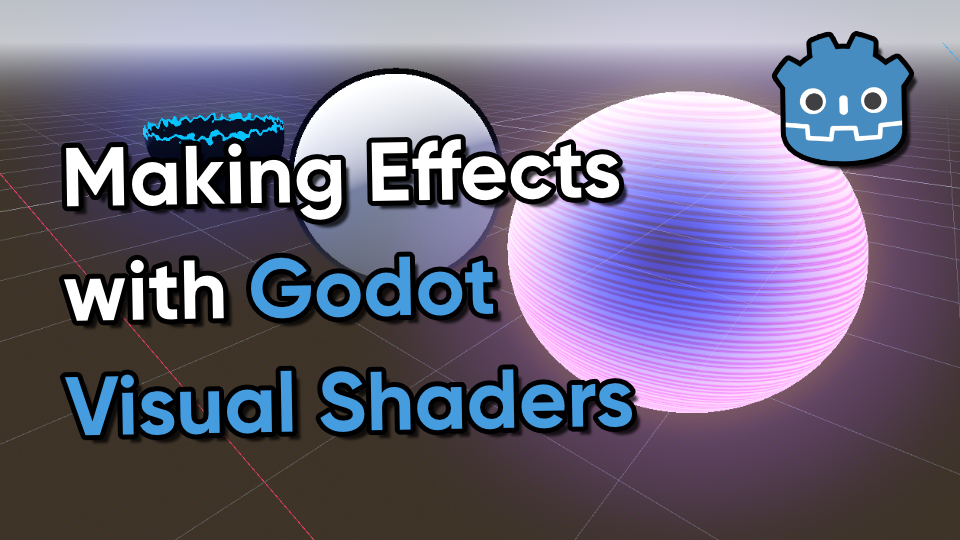
This quick-fire article will blast through ten effects, from inverted hull outlines and silhouettes to vertex displacement waves and 2D swirling vortices.
With the Fullscreen Shader Graph type, we can draw outlines by finding changes in color across nearby pixels.
Holograms help make your game feel more futuristic, like this flexible and feature-packed reactive shield effect.
Duplicating a mesh, inverting its faces, and moving them along the normal vector then drawing with a block color is probably the most widely-used outline method in games.
We can draw outline pixels around a sprite based on whether nearby pixels are opaque or transparent, as long as the sprite has some transparent padding.
For an easy sketched look, we can combine depth-, color-, and normal-based outlines with an overlaid sketch texture which animates in discrete time steps.
The Sobel filter is great at detecting edges, and we can use its output to outline objects in the scene or make everything look like it's neon-lit.