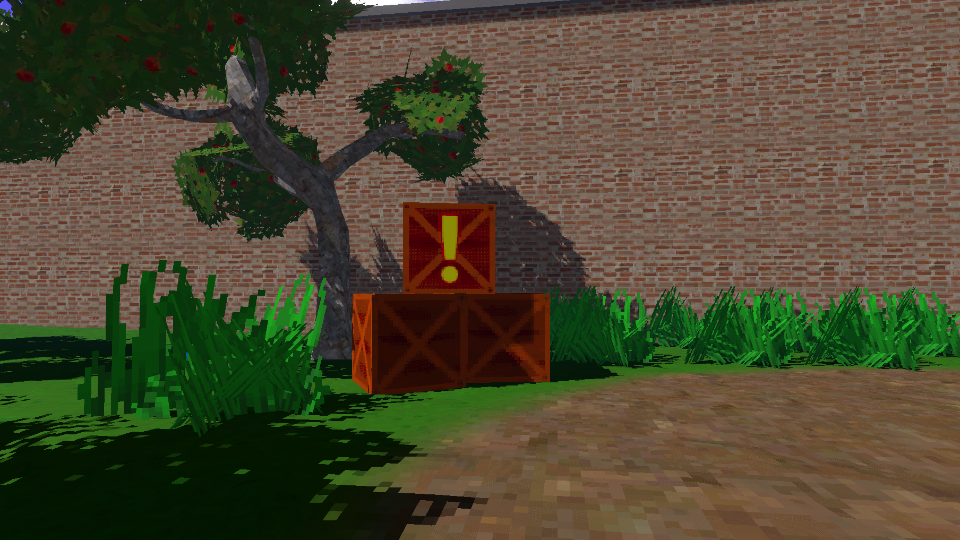
The Retro Lit shader is the core effect of this pack, which applies retro PSX-style rendering to meshes.
Retro Properties
- Base Color - The albedo color of the object.
- Base Texture - An albedo texture which can be used to apply more color detail than Base Color alone.
- Resolution Limit - The new texture resolution. Note that this is rounded down to the next power of 2 (e.g. 196 would actually mean a texture resolution of 128).
- Snaps Per Meter - The vertices of the mesh will snap to this number of snap points per meter along each axis (in view space - i.e., relative to the camera).
- Color Depth - How many possible color values can exist per channel. Typically, the maximum for a PNG image would be 256.
- Color Depth Offset - Adds a small offset to prevent color darkening, which is common when reducing the color depth. The 0 to 1 range of this parameter represents an addition of 0 to 1/(color depth) to the output color.
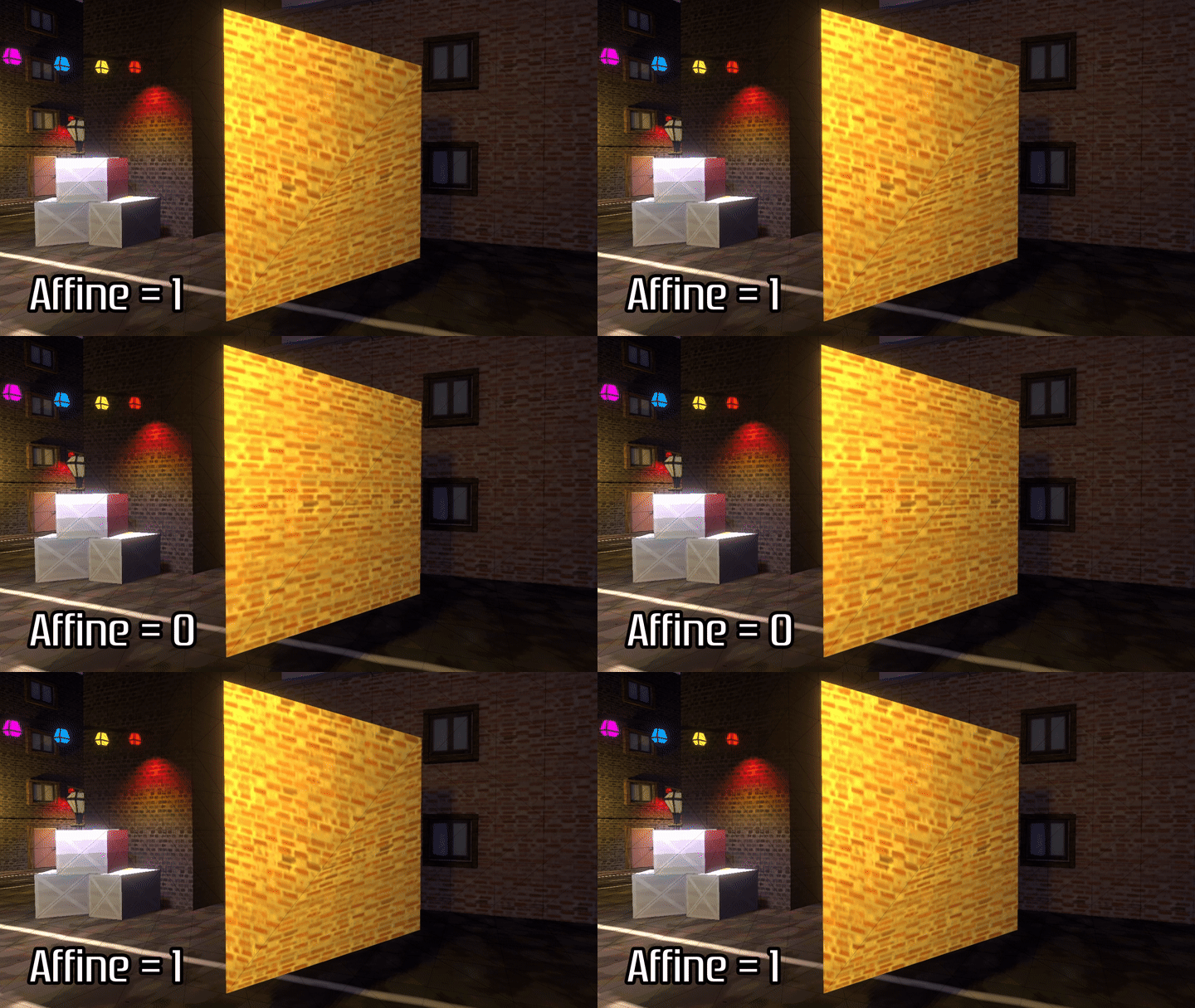
- Affine Strength - How strongly the shader should apply affine texture warping effects. 0 means the shader uses perspective-correct mapping, and 1 means full affine texture mapping.
- Filtering Mode - Choose how to filter the Base Texture while sampling:
- Bilinear - Blend between the nearest four pixels, which appears smooth.
- Point - Use nearest neighbor sampling, which appears blocky.
- N64 - Use the limited 3-point bilinear sampling method from the Nintendo 64.
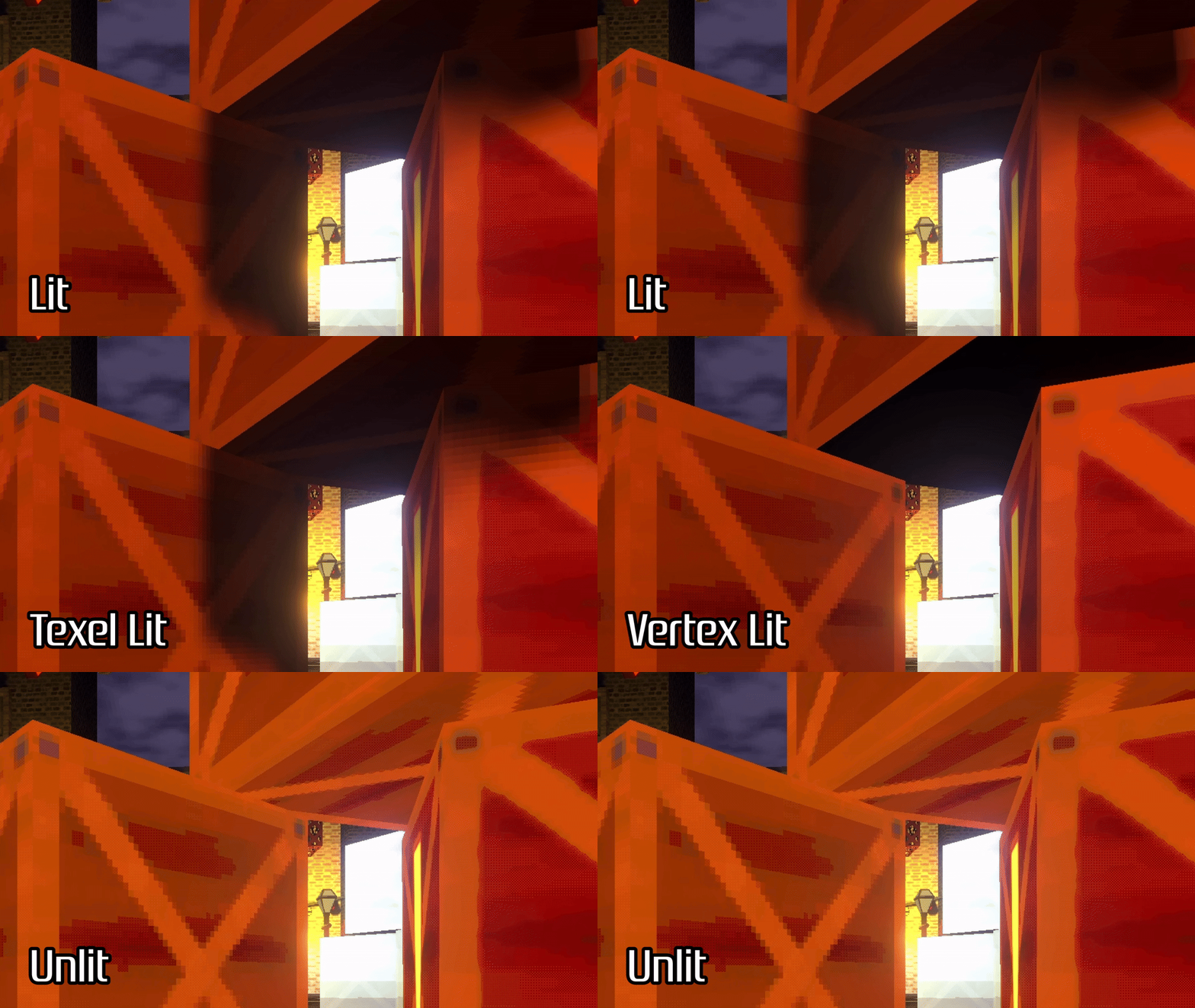
- Lighting Mode - Choose what type of lighting model to use.
- Standard Lit - Use per-pixel lighting as standard.
- Texel Lit - Snap lighting and shadows to the closest texel on the object’s texture.
- Unlit - Don’t use lighting calculations (everything is always fully lit).
- Use Dithering - Toggle the dithering effect, which ‘blends’ between color values according to a Bayer matrix pattern when the Color Depth is reduced.
- Use Vertex Colors - Choose whether to multiply the Base Color using vertex colors.