Unity uses a depth buffer to effectively sort objects in a per-pixel way. We can read depth information to create silhouettes or use a different depth test for an x-ray effect.
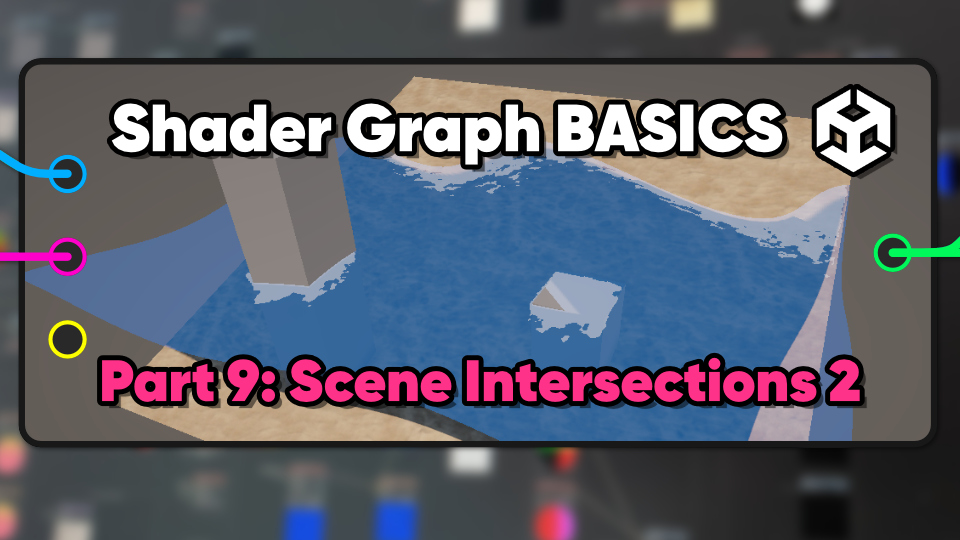
Scene intersections can be used to make foamy water along coastal edges and glowing edges on objects which pass through other objects.
Using the depth buffer, we can find parts of an object which intersect other objects in the scene.
To render an image properly, Unity writes extra information to the depth buffer. We can read that data to make a silhouette effect.
This quick-fire article will blast through ten effects, from inverted hull outlines and silhouettes to vertex displacement waves and 2D swirling vortices.
Holograms help make your game feel more futuristic, like this flexible and feature-packed reactive shield effect.
Combining Shader Graph and VFX Graph can yield more powerful visuals than using one tool alone.
With the depth buffer, we can color objects lighter or darker based on how far they are from the camera for a simple silhouette effect.