The Scanlines hologram adds horizontal lines that scroll over the surface of the object.
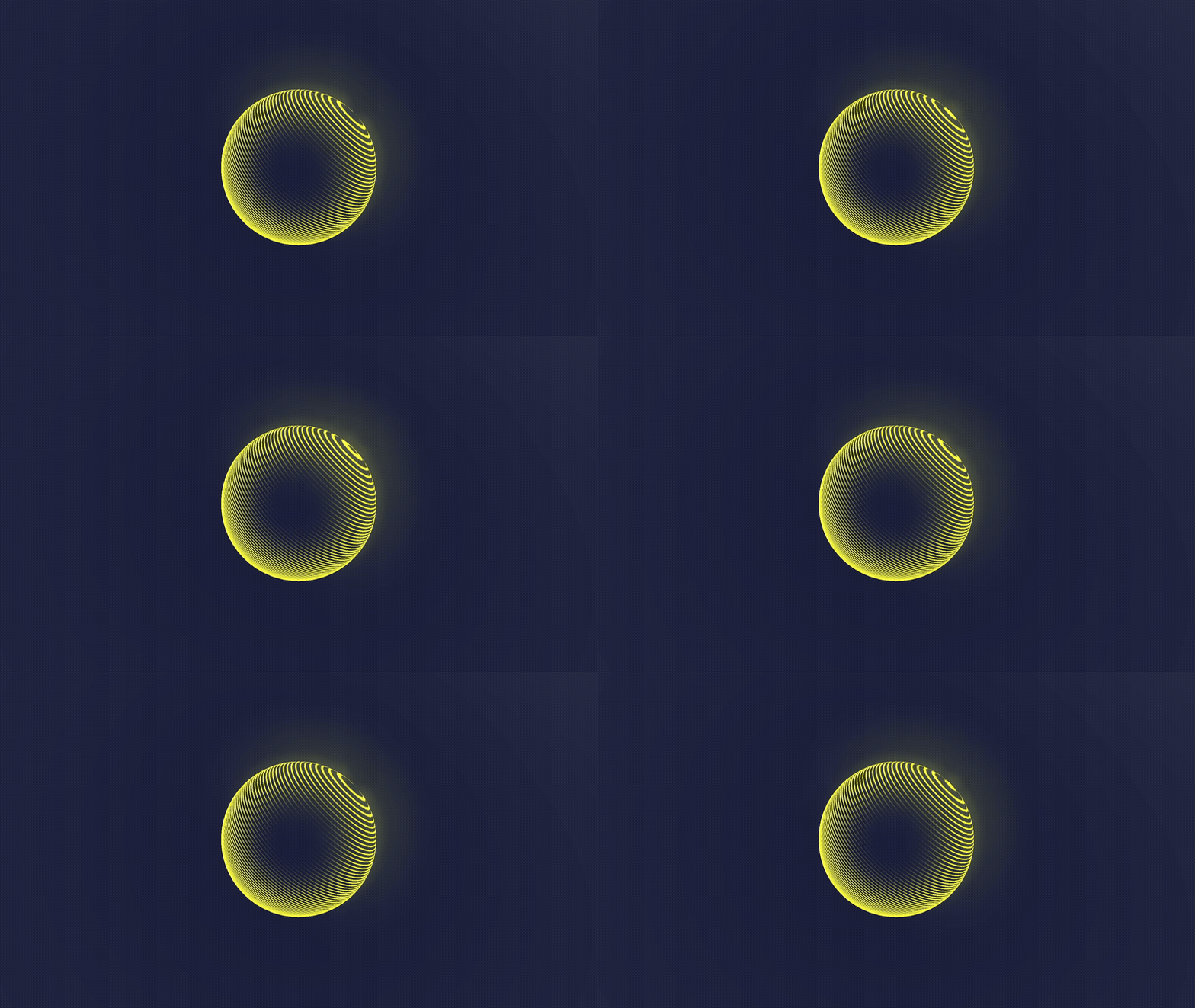
Properties
Basic PBR Properties
These properties control the basic interactions between Godot’s lighting and the object. Includes the crucial emissive color settings that control the appearance of the holograms.
- Output Mode - Controls whether the shader outputs color to Albedo, Emission, or both.
- Base Color - Controls the color of the object.
- Base Texture - Also controls the color of the object. This is multiplied by Base Color.
- Normal Texture - Used to change the normal vectors on the surface, which influences lighting interactions. May not be noticeable due to the usage of bright emissive light.
- Normal Strength - A value between 0 and 1 which controls how strongly the Normal Texture impacts the surface normals.
- Alpha Clip Threshold - Any pixel with an output alpha value below this value is culled entirely.
Scanlines
This scanline controls the output alpha of the object, which in turn influences which parts of the object glow.
- Scanline Mode - An enum with three values: Screen Space means the Scanline Texture will be applied relative to the position of pixels on the screen; World Space means the scanline is applied based on the position of the object in the world; None will turn off the scanlines.
- Scanline Rotation - Only works in Screen Space mode. Rotates the direction of the scanlines.
- Scanline Direction - Only works in World Space mode. Orients the scanlines along this vector in world space.
- Scanline Texture - A texture which encodes the scanline pattern. You can increase the scaling of this texture for closely-packed scanlines, and vice versa. In World Space mode, only the vertical information matters.
- Scanline Tiling - How many times to tile the scanline texture.
- Scanline Velocity - Controls the speed at which the scanlines scroll across the object.
- Scanline MinMax Alpha - Completely black pixels from the Scanline Texture will output the Min value (first component of this vector). Completely white pixels from the Scanline Texture will output the Max value (second component of this vector).
Fresnel
Fresnel adds light to the edge/rim of an object.
- Fresnel Power - The size of the Fresnel/rim. Higher values mean the rim is smaller, but this should be a value above 0.
- Fresnel Color - Color of the Fresnel/rim light. Can be different to the Base Color.
- Use Scene Intersections - Should the shader detect when a pixel is just in front of another scene object? Note: only able to detect opaque objects.
- Intersection Power - The size of the intersections. Larger values mean a thinner intersection glow.