The Fullscreen graph type lets us read the screen contents and modify them as part of a post process effect. It's possible to make greyscale filters or outline effects.
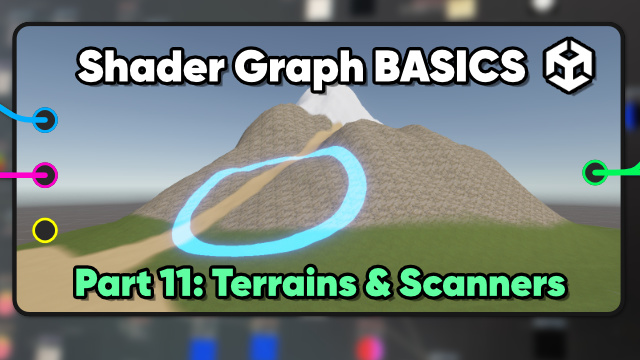
Shader Graph doesn't support terrains (yet), but you can still sample the terrain control and splat textures to do terrain layering yourself.
Custom functions let us inject any code we want into Shader Graph, including data about additional point lights for a multi-source cel-shading effect.
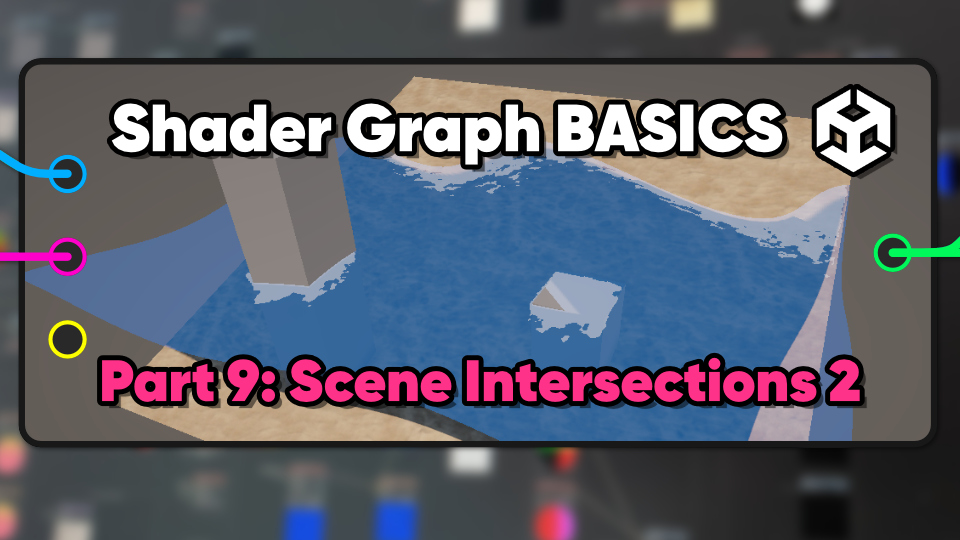
Scene intersections can be used to make foamy water along coastal edges and glowing edges on objects which pass through other objects.
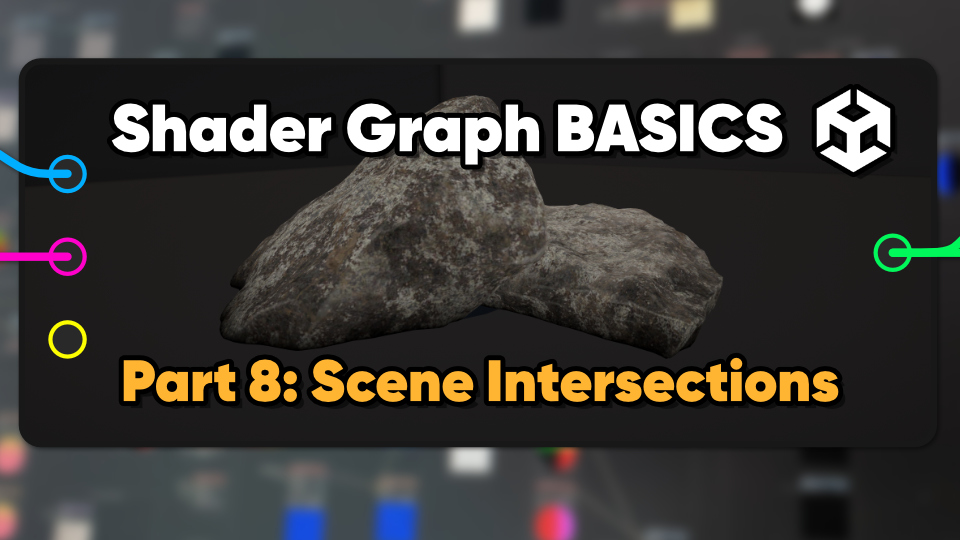
Using the depth buffer, we can find parts of an object which intersect other objects in the scene.
We can add new types of lighting to a graph, such as Fresnel (rim) light and cel-shading.
With physically based rendering (PBR), we describe the physical properties of a surface, such as albedo color, normals, smoothness, metallic, and light emission.
Along with coloring pixels, we can modify the vertices of a mesh in-shader to create wave displacement effects, amongst other things.
To render an image properly, Unity writes extra information to the depth buffer. We can read that data to make a silhouette effect.
Transparent objects are drawn after opaque objects in a back-to-front order, and alpha clipping can remove pixels based on alpha (transparency) values.
We use textures to apply base color information to the surface of an object, which requires texture coordinates (UVs) to map the texture onto the mesh.
Shader Graph is Unity's node-based editor for making shaders - small programs that modify the appearance of objects.