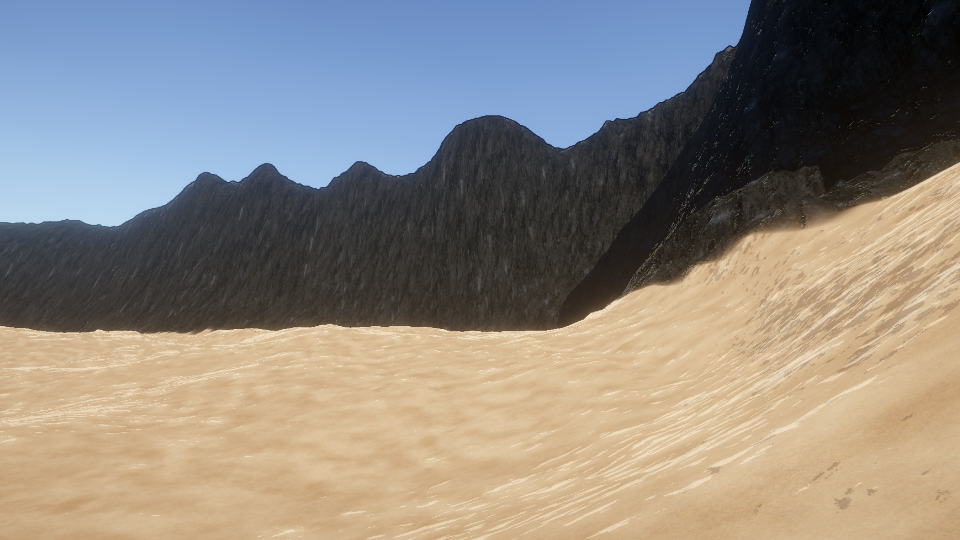
The Toon Terrain shader is similar to the base Toon shader, but it doesn’t have Base Color inputs, as the albedo information is pulled from the terrain instead.
Parameters
Surface Options
- Receive Shadows - Toggle whether realtime shadows should be applied to the object.
- Shadow Thresholds - Provide a toon-style cutoff to the realtime shadows.
Diffuse Options
- Use Stochastic Texturing - When enabled, the shader uses UV offsets to prevent the input textures from looking tiled, which is a common problem with terrain textures. This method uses three times as many texture samples for each terrain base layer.
- Use Second Threshold - When ticked, the shader introduces a third lighting tint value for diffuse lighting and lets you specify two thresholds: one for dark -> midtones, and another for midtones -> light.
- Light Tint - Color multiplier applied to fully-lit areas of the object.
- Middle Tint - Only active if Use Second Threshold is ticked. Color multiplier applied to midtones on the object.
- Shadow Tint - Color multiplier applied to shadowed regions of the object
- Ambient Light Strength - What the base level of ambient light applied to the terrain should be.
- Diffuse Thresholds - Provide a toon-style cutoff to the diffuse lighting. Diffuse lighting comes from the angle between the light and the normal vector of the object surface.
Specular Settings
- Specular Color - Controls the specular color of the object. You can also attach a specular map.
- Specular Offset Noise Map - Use a noise texture, such as Perlin noise, to modify the shape of the specular highlights.
- Specular Offset Noise Strength - Controls the strength of the offset applied to specular light values.
- Specular Boost - Increases the strength of the specular highlights to account for the darkening effect when the cutoff is applied.
- Specular Thresholds - Provide a toon-style cutoff to the specular lighting. Specular lighting arises due to the angle between the viewer and the light rays reflected from the light source in the normal vector of the object’s surface.
- Global Illumination Strength - Slider from 0 to 1 which controls how strongly environmental lighting affects the object.
Rim Lighting Settings
- Rim Color - Multiplier for rim light.
- Rim Thresholds - Provide a toon-style cutoff to the rim lighting. Rim lighting (also called Fresnel) comes from the angle between the viewing angle and the normal vector of the surface. Typically, looking at the object at shallow angles results in high rim lighting.
- Rim Extension - Lets you extend rim lighting across the surface further than usual.