Overlays an outline onto the screen based on color, normal, and depth differences between nearby pixels.
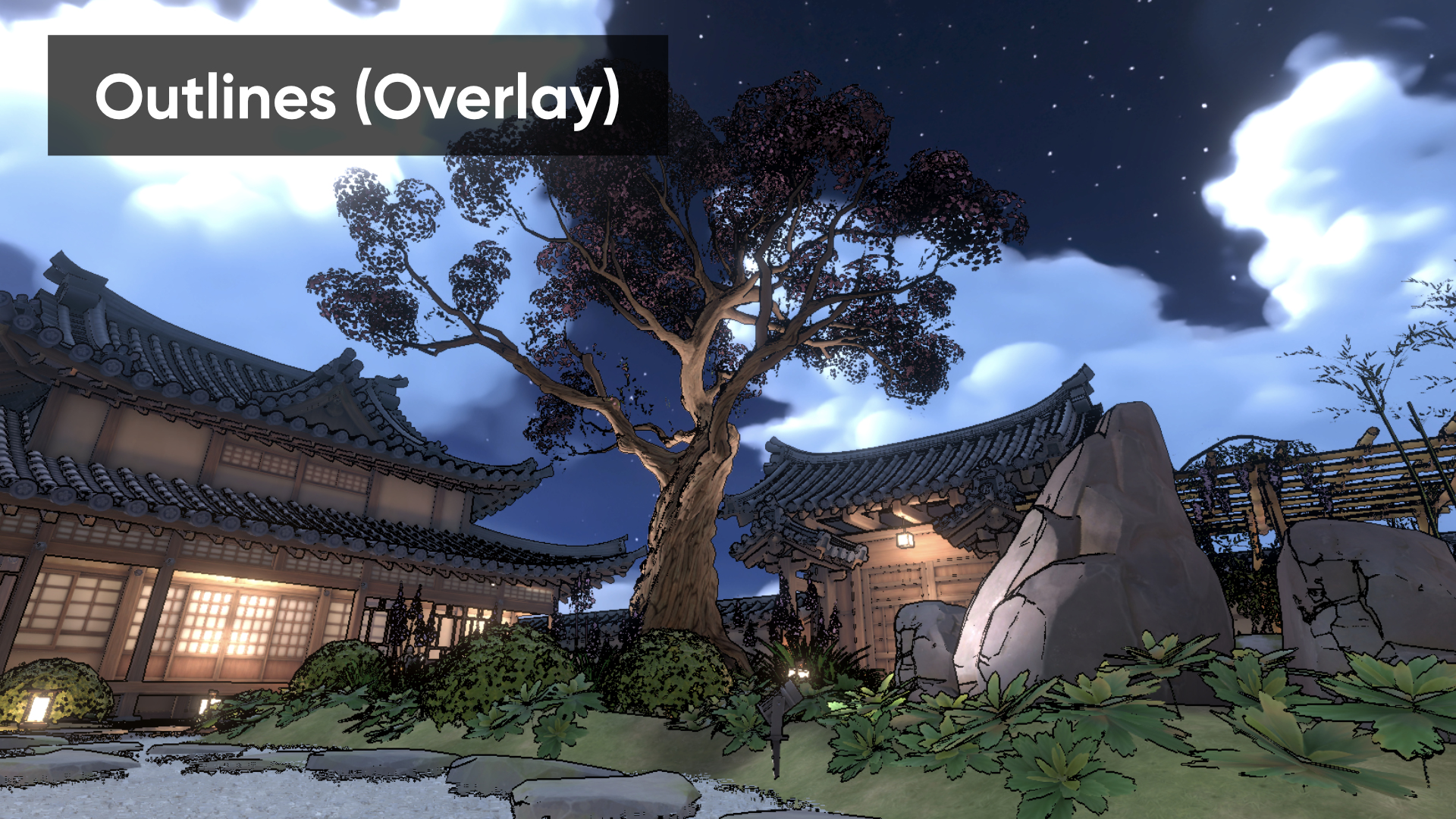
Parameters
- Enabled – Is the effect enabled?
- Outline Algorithm – Which outline should the shader to use to detect outlines?
- DepthNormalsColor – uses differences in color, depth, and normal vectors across the original image.
- Outline Color – Color to use for the outlines. The alpha component acts as a global multiplier for outline strength.
- Color Threshold – Adjacent colors with differences over this threshold will be edge-detected.
- Color Strength – How strongly color-based edge detection factors into the overall edge strength calculation.
- Depth Threshold – Adjacent depth values with differences over this threshold will be edge-detected.
- Depth Strength – How strongly depth-based edge detection factors into the overall edge strength calculation.
- Normal Threshold – Adjacent normal vectors with direction differences over this threshold will be edge-detected.
- Normal Strength – How strongly normal-based edge detection factors into the overall edge strength calculation.
- Skybox Depth Cutoff – Pixels with depth exceeding this threshold will not be edge-detected.
- Drawing Mode – How should the shader draw the edges?
- Outline modes use the Outline Color, while Neon modes use the original pixel colors and may boost their brightness and saturation.
- Overlay modes layer the outline onto the original image, while Only modes display only the outlines alone.
- Background Color – Color to use for the background in OutlinesOnly or NeonOnly drawing modes.
- Neon Saturation Floor – When using neon colors, boost all pixels to use at least this saturation value.
- Neon Lightness Floor – When using neon colors, boost all pixels to use at least this lightness value.