As an extension of vanilla Shader Graph, you can create your own Lit and Unlit graphs which support stencils, via Create -> Shader Graph -> URP -> Stencil { Lit, Unlit } Shader Graph.
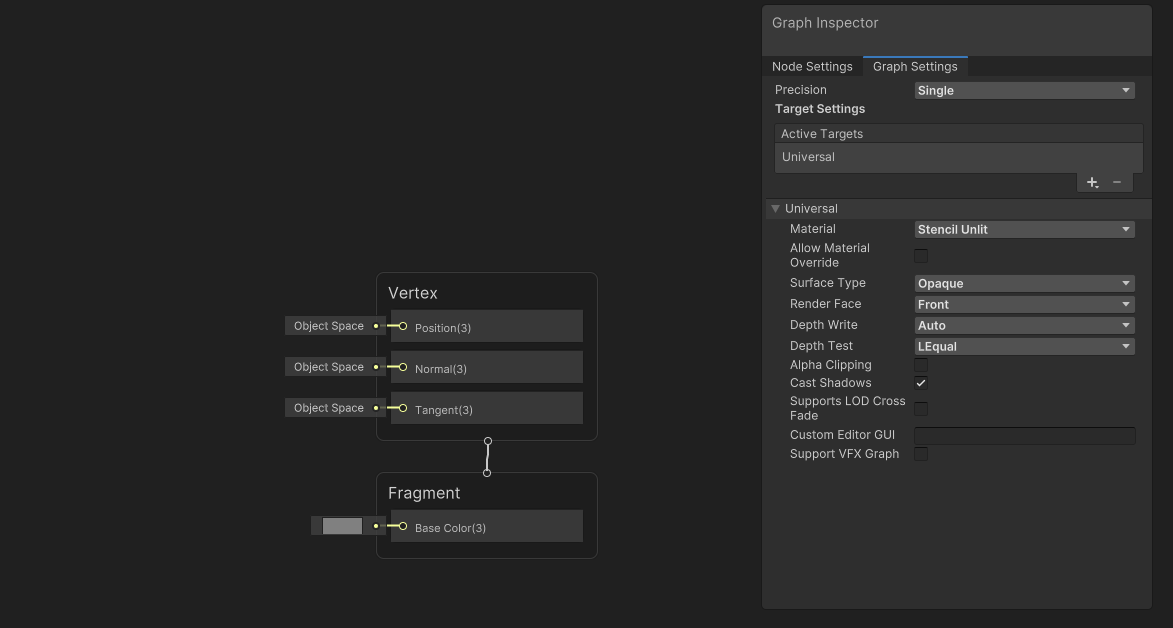
When you open this type of graph, you’ll see the same Shader Graph window as usual. The only difference is that the Material type in the Graph Settings window will be Stencil Lit or Stencil Unlit. You can wire up a graph as usual and save it.
When you select a material which uses this shader, you’ll notice that the Surface Options will contain a new section featuring stencil options as follows:
- Reference - Stencil ID value to compare with the existing stencil buffer value.
- Comparison - Comparison test to use between Reference value and existing stencil buffer value.
- Pass - What to do with the existing stencil buffer value if the stencil test passes.
- Fail - What to do with the existing stencil buffer value if the stencil test fails.
- Z-Fail - What to do with the existing stencil buffer value if the stencil test passes, but the z-test fails.
Here’s a quick exploration of the Stencil Lit and Stencil Unlit shaders which are based on this feature:
The default shader GUI for the custom Stencil Lit and Stencil Unlit graph presets display the stencil settings under the Surface Options heading. If you would like to create your own custom GUI script, then you need to access these named material properties:
_StencilRef_StencilComp_StencilPass_StencilFail_StencilZFail