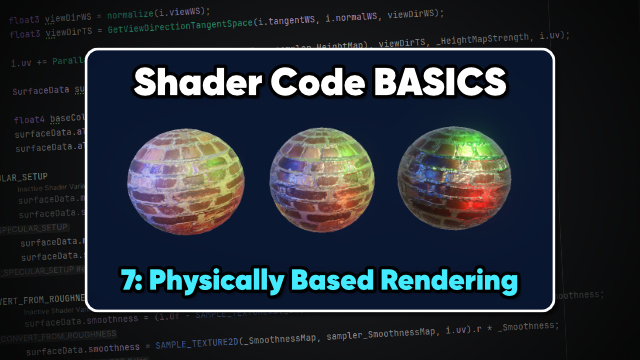
PBR lets us describe objects using their physical properties - albedo, metallic, smoothness, height, etc. - and the light model works out how the lighting should look.
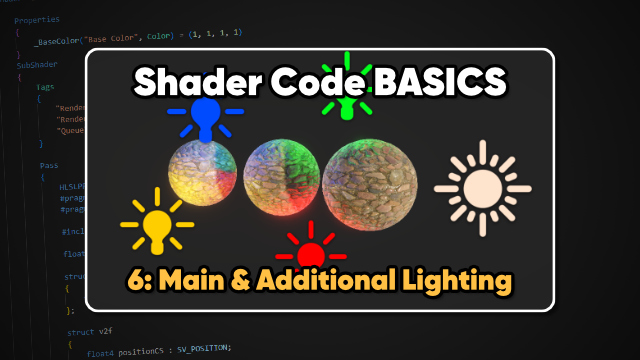
We can loop over each light to apply diffuse, specular, Fresnel, and ambient lighting to objects. The ShadowCaster pass lets us block lighting from reaching other objects.
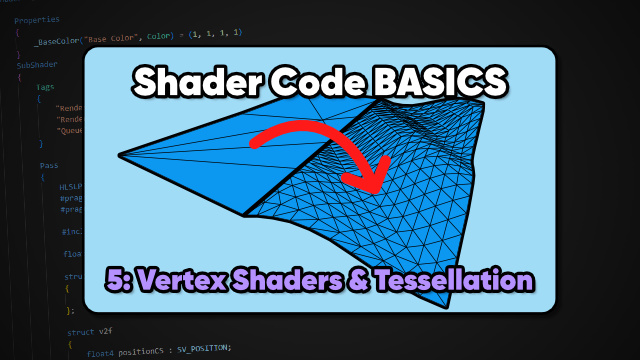
We can physically move vertices in the vertex shader to create wave effects. If your meshes are too low-poly, you can subdivide them with tessellation to improve the fidelity.
Unity uses a depth buffer to effectively sort objects in a per-pixel way. We can read depth information to create silhouettes or use a different depth test for an x-ray effect.
Transparent objects need to be drawn differently to opaque objects, since their color gets blended with the existing screen contents, with many possible blend modes.
Textures give you a lot more control over a mesh's surface appearance than just a base color alone could ever do. Learn all about texture mapping in this tutorial.
There are still things that Shader Graph can't do, but HLSL shader code gives you total control over visuals. For the start of this new series, learn how to make an unlit color shader!